
TL;DR
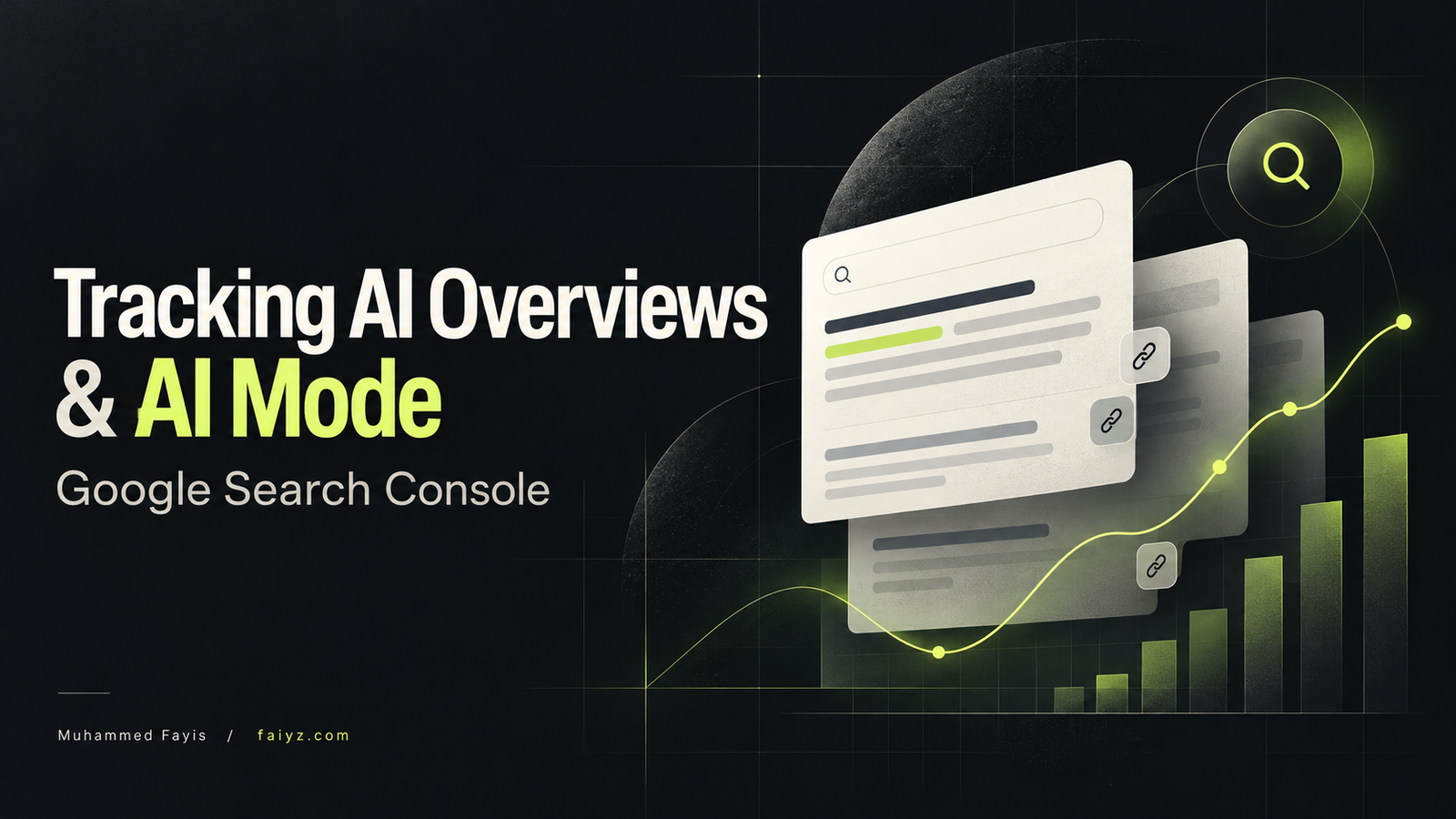
To track AI Overviews and AI Mode in Google Search Console, open the Generative AI performance report for Search. It shows how often links to your website appear, with breakdowns by page, country, device, and date.
- Measure visibility: Compare matching periods to see which pages gain or lose impressions.
- Know the limits: The report combines AI Overviews and AI Mode. It does not show separate clicks, CTR, rankings, or search queries for these features.
- Check business results: Review overall Google clicks in GSC and enquiries in GA4. These comparisons do not prove which visits came from AI Overviews or AI Mode.
Table of Contents
Introduction
Your website appears in a Google AI Overview. You take a screenshot, share it with your team, and open Search Console to see what happened.
Did anyone click? Which question brought your page into the answer? Has that appearance helped your business?
Those are different questions, and Google Search Console doesn’t answer all of them.
You can now track visibility in AI Overviews and AI Mode through a dedicated report. But measuring appearances is still easier than identifying the traffic those appearances generated.
This guide explains what the reports show, how I recommend using them, and where you need to be careful before calling something a result.
Can You Track AI Overviews in Search Console?
Yes. Google Search Console now provides a Generative AI performance report for Search. Google announced the reports in June 2026 and confirmed worldwide rollout on August 31, 2026.
Advice saying there is no dedicated reporting for these features is therefore outdated. Google introduced a separate visibility view alongside its broader performance reporting.
The distinction to keep in mind is simple: visibility tells you that a link appeared; traffic tells you that someone visited.
A business can gain more exposure without gaining more enquiries. Your reporting should make that difference obvious.
AI Overviews and AI Mode: What’s the Difference?
AI Overviews provide a generated summary within Google’s search experience, with supporting links.
AI Mode offers a more interactive experience where people can explore a subject and ask follow-up questions. Google treats a follow-up question as a new query when recording the resulting activity.
For a Dubai business, imagine someone researching how to choose a website developer.
They might read an overview explaining the main considerations. In AI Mode, they could continue by asking about ecommerce requirements, maintenance costs, or multilingual websites.
That example shows why one keyword ranking gives you only part of the picture. The customer’s research can develop across several questions before they contact anyone.
How to Check AI Overviews Search Console Data
Start with a question you can act on: Which pages are gaining relevant exposure?
Opening a report without deciding what you want to learn usually ends with a screenshot and no next step.
1. Open the Generative AI Performance Report
Select your website property in GSC and open the Generative AI performance report for Search.
It covers impressions from AI Overviews and AI Mode. Its documented dimensions include pages, countries, devices, and dates. It does not provide separate reports for each of those two features, or dedicated clicks, CTR, position, and query data.
Use this as your visibility report. Keep broader search performance and business outcomes alongside it.
2. Choose a Useful Comparison Period
For a starting review, I recommend comparing two complete 28-day periods.
That gives you matching weekday patterns and avoids building a conclusion around one unusually busy Monday. A smaller website may need a longer window before a trend becomes useful.
Write down any changes that could affect the comparison:
- Articles published or substantially updated.
- Service pages rewritten.
- Website migrations or technical fixes.
- Seasonal campaigns.
- Changes to your main offer.
Without that context, you can see movement but have little basis for explaining it.
3. Review Pages Before Chasing Individual Keywords
Use the Pages view to identify where exposure is concentrated.
Then separate those pages by purpose in your own worksheet: educational articles, service pages, product pages, and company information.
Suppose a Dubai web development business gains exposure for an article about redesign costs. That deserves a different response from exposure for an unrelated design trend.
The first page could help a potential customer make a buying decision. The second might attract attention from people who will never need the service.
Prioritize the pages that answer questions your customers ask before purchasing.
4. Check Your Target Country and Devices
For a UAE business, review the country breakdown and focus on the United Arab Emirates. Check device patterns too.
These dimensions help you judge whether exposure is reaching the audience you serve.
A rise in global visibility can look impressive while doing little for a business that works locally. Likewise, strong mobile exposure deserves a mobile review of the landing page, enquiry form, and contact options.
5. Export a Baseline
Export your report and save it with the reporting period and filters clearly named.
The report supports exports, and its newest figures can be preliminary. Chart and table totals can also differ because they use different aggregation rules.
Keep comparisons consistent. Changing the date range, country, and page group every month makes your spreadsheet harder to trust.
How Google Counts Clicks, Impressions, and Position
The dedicated report doesn’t replace the need to understand Google’s measurement rules.
An outbound link click from either AI Overviews or AI Mode counts as a click. An impression follows the visibility rules for the relevant result format; generating a response does not automatically mean every supporting link received an impression.
An AI Overview occupies one search position, and its links share that position. AI Mode uses the applicable search-result position methodology. Google’s click, impression, and position rules
The practical consequence is that average position needs context. Don’t interpret every improvement as your traditional organic listing moving higher.
Use the Search Results Report to Investigate Traffic
Next, open your regular Search results performance report and examine the same pages over the same period.
Google’s broader performance reporting includes activity from these search features, while the dedicated report provides a separate view of visibility. Google Search Central announcement
Look for changes in clicks and the queries associated with your priority pages.
Those queries are useful research material. They can reveal unanswered questions, a mismatch between the page and search intent, or growing interest in a service.
They are not a list of confirmed AI Mode prompts.
Don’t Treat Correlation as Attribution
Imagine this hypothetical result:
Your guide gains more generative-search impressions, and its total Google clicks rise during the same month.
That is encouraging. It does not prove the additional clicks came from AI Overviews.
The page might also have improved its ordinary rankings, gained a stronger title, or benefited from increased demand.
Write the finding accurately:
“Generative-search visibility and overall Google clicks both increased.”
That gives your team useful information without claiming more than the reports establish.
Connect AI Visibility to Enquiries and Sales
A visibility report helps you understand discovery. Your analytics and enquiry records help you understand what happened after someone arrived.
In Google Analytics 4, the Traffic acquisition report lets you examine sessions by dimensions such as session source and medium. Use it to investigate Google organic traffic and relevant key events. GA4 Traffic acquisition documentation
For a service business, I would track completed enquiry forms and confirmed bookings first. Phone-link and WhatsApp clicks can also be useful, but clicking a contact button is not the same as becoming a customer.
Compare landing-page performance with your GSC findings. Keep any claim about AI search traffic within what your setup can actually identify.
A practical monthly worksheet could look like this:
| Measure | Question it helps answer |
|---|---|
| Generative-search impressions | Is exposure increasing? |
| Pages gaining exposure | Which content deserves attention? |
| Overall Google clicks | Are more people reaching the website? |
| Relevant enquiries | Are those visits creating opportunities? |
| Confirmed customers | Is the work contributing to revenue? |
These measures belong beside each other. They should not be presented as a fully attributed funnel unless you have evidence connecting the stages.
What to Do With the Findings
Reporting becomes useful when it changes what you work on.
If a relevant article gains exposure, check whether it gives readers a sensible next step. A guide about website costs could link to your web development service and explain what information you need to prepare a quote.
If visitors arrive but rarely enquire, review the offer, proof, usability, and contact process before publishing another ten articles.
If a commercially important page has little visibility, check its technical eligibility and whether it answers the customer’s question properly.
Google’s current guidance emphasizes indexed, snippet-eligible pages, crawlability, helpful original content, and inclusion in its generative search features. It also says there is no special schema requirement or need for an llms.txt file to appear in Google’s generated search experiences.
For UAE content, useful detail might include AED pricing assumptions, actual service coverage, language requirements, and practical delivery timelines. Include those details when you can support them.
A paragraph repeating “SEO services Dubai” adds far less than an honest explanation of what a customer gets and what affects the cost.
Frequently Asked Questions
Why Can’t I See the Generative AI Report?
Google says the report may be absent when a site hasn’t received enough qualifying impressions. Excluding the site from generative search features can also affect eligibility. Check that setting before assuming the missing report means a technical fault.
Can I Calculate AI Overview CTR From These Reports?
Not reliably. CTR requires clicks and impressions from the same defined set of appearances.
Dividing overall Google clicks by generative-search impressions combines different datasets. The resulting percentage would not describe AI Overview click-through rate.
Should I Use a Third-Party Visibility Tracker?
It can help with repeatable checks of selected questions and competitor appearances. Before paying, ask how it handles country, language, device, and repeat sampling.
Treat its results as observations from its testing method. Google cautions that third-party tools do not have access to its internal ranking or AI systems.
Track What Helps You Make Better Decisions
Start with a baseline for your most important pages. Review their generative-search exposure, compare overall Google traffic, and check whether the website is producing relevant enquiries.
Then choose an action: improve an answer, fix a technical problem, strengthen an internal link, or make contacting you easier.
That is how reporting earns its place in your working week.
If you need help connecting search visibility to customer enquiries, I’m Muhammed Fayis, a digital marketing freelancer based in Dubai. My SEO and AEO/GEO services focus on helping businesses become easier to find and giving potential customers useful reasons to get in touch. Get in touch to discuss your website.