
TL;DR
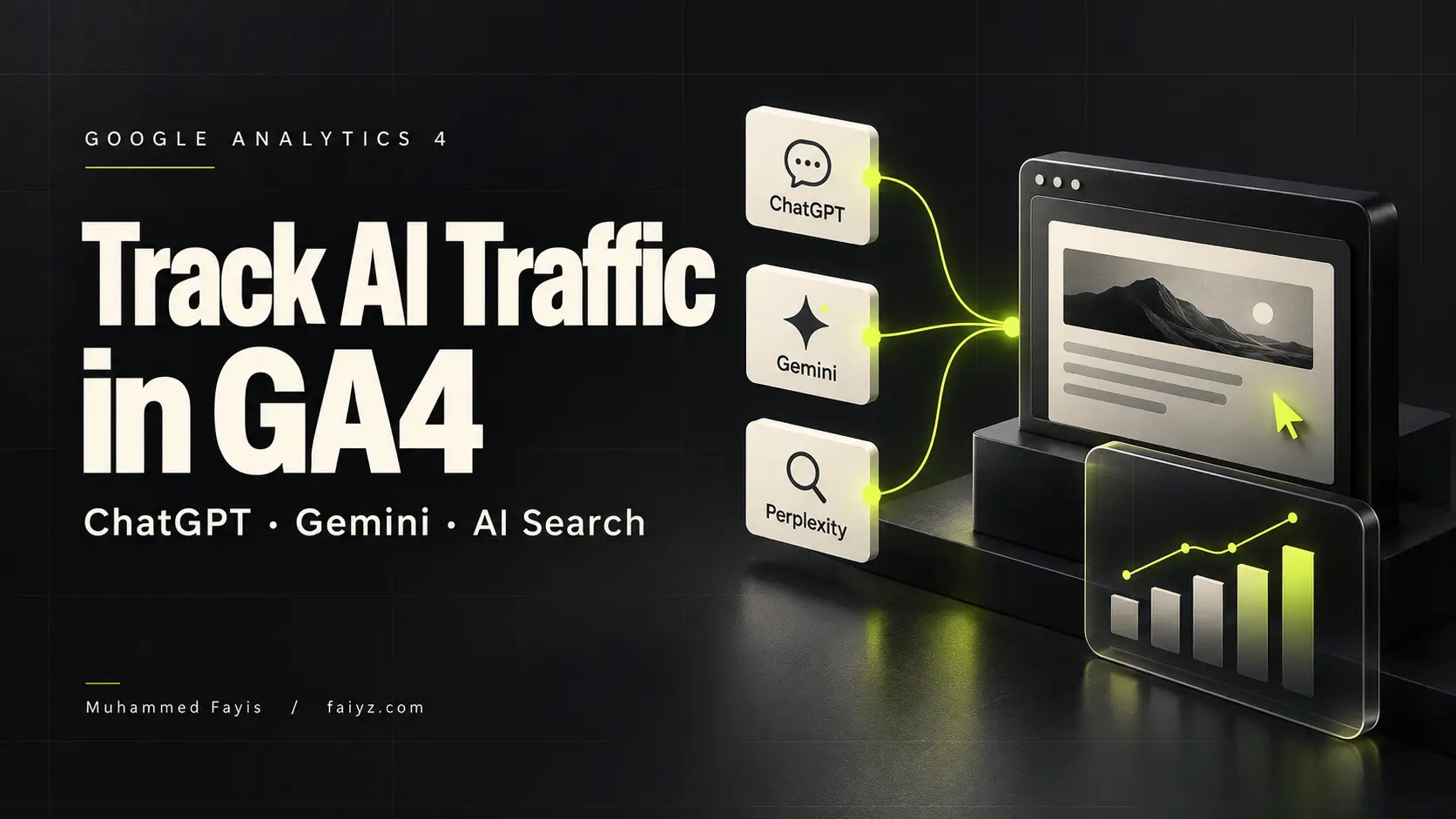
To track AI traffic in GA4, open Traffic acquisition and check the “AI Assistant” channel. Then examine Session source / medium to identify the platforms that send visitors.
Review their landing pages and important actions, such as enquiries or purchases. Google AI Overviews and AI Mode traffic belong to Organic Search, separate from the AI Assistant channel.
These reports measure recorded visits. They do not measure every mention of your business in an answer.
Table of Contents
Start With Visits You Can Identify
Someone asks ChatGPT to recommend a service. Your website appears in the answer. The person follows the link and submits an enquiry.
That is useful traffic. But you need a reliable way to connect the visit with its reported source.
A brand mention alone does not establish that connection. Neither does an increase in Direct traffic.
Google Analytics 4 helps you examine recorded visits from ChatGPT, Gemini, and other assistants. It also helps you assess what those visitors do.
The practical task has three parts:
- Find the traffic.
- Identify its destination.
- Measure the business result.
This guide explains each part. It also covers the gaps that a dashboard cannot resolve.
GA4 Now Has a Built-In AI Assistant Channel
Google introduced its AI Assistant channel on May 13, 2026.
For recognized assistant referrers, Google documents these values:
| Field | Reported value |
|---|---|
| Channel | AI Assistant |
| Medium | ai-assistant |
| Campaign | (ai-assistant) |
The update supports measurement of traffic from assistants such as ChatGPT, Gemini, and Claude. Google Analytics release notes
This changes the starting point for your setup.
Older tutorials often require a custom channel before you can begin. Start with the built-in channel instead. Use custom rules when your reporting needs more detail.
Also, avoid a filter that includes only the referral medium. It can exclude visits that GA4 now classifies as ai-assistant.
How to Track AI Traffic in GA4
Before you start, confirm that the correct GA4 property collects data from your website.
You also need access to its reports. Report menus can differ between properties.
1. Open the Traffic Acquisition Report
- Open Reports.
- Select Acquisition.
- Open Traffic acquisition.
- Select a useful date range.
- Set the table dimension to Session default channel group.
- Find the AI Assistant row.
Google documents Traffic acquisition as the report for sources of visits from new and returning users.
For an initial review, I recommend the previous complete month. A smaller website might need a longer period.
Use a period with enough activity to support a decision. Two visits do not establish a trend.
2. Check the Source and Medium
Change the table dimension to Session source / medium.
This separates the reported source from its traffic category. For example, the source identifies the platform. The medium describes how GA4 classifies the traffic.
Search for the platform names you want to investigate. Review the actual values before you create a permanent filter.
Do not assume that every assistant uses one source value forever. Historical data and campaign tags can produce different values.
3. Review More Than Session Counts
Start with these measures:
- Sessions.
- Engaged sessions.
- Engagement rate.
- Key events.
- Session key event rate.
- Revenue, where relevant.
These measures are available in the Traffic acquisition report, subject to its configuration.
Sessions show volume. Important actions help you judge whether that volume matters.
For a Dubai service business, five relevant enquiries can matter more than hundreds of visits from outside its service area.
How to Identify ChatGPT Traffic
Start with source values that identify ChatGPT.
Examples to investigate include:
chatgpt.comchat.openai.com- A source alias used in your own campaign tags.
Treat these as candidates. Confirm them against your recorded data.
If an arriving URL contains utm_source=chatgpt.com, preserve that parameter through your redirects. UTM parameters provide campaign information to Analytics.
Then examine which pages receive those visits.
A service page, comparison article, and general guide serve different needs. Their visitor behaviour deserves separate analysis.
Use Session Dimensions for Visits
Session source and First user source answer different questions.
Session dimensions describe the source associated with a session. First-user dimensions describe the source that originally acquired the user.
Consider this example:
A visitor first discovers your website through Google. The person returns later through a ChatGPT link.
The first-user source still describes the original discovery. Session reporting helps you examine the later visit.
For this article’s task, start with session dimensions.
How to Identify Gemini Traffic
Use the same process for Gemini traffic.
Review the AI Assistant channel first. Then inspect the source values associated with Gemini, such as gemini.google.com, when present.
Check the actual medium. Avoid assuming that every visit must appear as referral.
There is also an important distinction between Gemini and Google’s search features:
| Experience | GA4’s documented channel |
|---|---|
| Recognized Gemini assistant traffic | AI Assistant |
| Google AI Overviews | Organic Search |
| Google AI Mode | Organic Search |
Google explicitly separates these experiences in its channel definitions.
Do not classify all google / organic traffic as Gemini traffic.
GA4’s channel label also does not provide a complete list of appearances in generated answers. Search visibility requires separate measurement.
Find the Landing Pages That Receive AI Referrals
A landing page is the first pageview destination in a session.
To examine destinations:
- Open the Landing page report.
- Add Session source / medium as a secondary dimension.
- Apply your relevant source filter.
- Review the pages that receive visits.
Alternatively, add Landing page + query string to Traffic acquisition. Google documents both approaches.
Now ask a useful question: does each page help the visitor take the next step?
A person who reaches your pricing guide needs clear cost information. A person who reaches your service page needs a clear offer.
Check for missing details before you commission more content.
For UAE businesses, those details might include AED prices, delivery coverage, service locations, or language support.
Build a Saved Exploration for Regular Reviews
An Exploration gives you a reusable table for deeper analysis.
Configure the Table
- Open Explore.
- Select Free form.
- Name it AI traffic review.
- Import Session default channel group.
- Import Session source / medium.
- Import Landing page + query string.
- Import Sessions, Engaged sessions, and Key events.
Place the source and landing-page dimensions in Rows. Place the metrics in Values.
Add a filter for Session default channel group exactly matches AI Assistant.
Google’s free-form tool supports tables, dimensions, metrics, and filters.
For a UAE review, add Country as another filter. Keep an unfiltered version for comparison.
Check the Available History
Explorations depend on the property’s retained data.
If an Exploration has less history than a standard report, check retention settings before assuming that traffic disappeared.
Keep the date range and filters consistent during monthly reviews. Otherwise, a reporting change can look like a performance change.
Use Custom Channels Only When They Solve a Problem
A custom channel can combine observed legacy referrals or deliberate source aliases.
It is useful when your team needs one consistent reporting definition across those values.
To create one:
- Open Admin.
- Select Data display.
- Open Channel groups.
- Create a copy of an existing group.
- Add your custom assistant channel.
- Define its source conditions.
- Place it before broader matching channels.
- Save the group.
GA4 uses the first matching channel in the group. Creating or editing channel groups requires Editor access or above.
Keep Source Rules Specific
Use an allowlist of sources you have examined.
Avoid a rule that matches any source containing ai. It could include an unrelated source containing dubai.
If you use regular expressions, apply the rule to the correct dimension. A domain pattern for Session source will not match a source-and-medium value automatically.
Google Analytics uses full, case-sensitive regex matching by default. Literal dots require escaping.
A short list of exact source matches is often easier to maintain.
Measure Enquiries and Purchases
Traffic is useful when it contributes to your business.
Choose the actions you need to measure before you compare platforms.
For a service website, I would prioritize:
| Action | What it establishes |
|---|---|
| Successful enquiry submission | The visitor sent a request |
| Confirmed appointment | The visitor booked a time |
| WhatsApp link click | The visitor selected a contact option |
| Phone-link click | The visitor selected a phone link |
The last two are contact signals. They do not prove that a conversation or sale occurred.
For an online store, purchases and revenue deserve priority.
Configure Key Events Correctly
A key event measures an action that is important to your business.
First, implement or identify the relevant event. Then mark it as a key event in GA4.
For an enquiry form, measure confirmed submission success. A click on the Submit button is not enough.
Test the action in Realtime or DebugView. Google provides these tools to verify event collection.
Interpret Conversion Rates Carefully
Consider a hypothetical result:
- ChatGPT sends 40 sessions.
- Four sessions include a successful enquiry.
- The enquiry session rate is 10%.
That result deserves attention. It does not prove that ChatGPT always produces better leads than Google.
Check the sample size. Then check whether those enquiries became suitable opportunities.
Keep the website measure and the sales outcome separate.
Why Some AI Traffic Is Missing
GA4 needs enough information to identify a source.
Missing traffic information and redirects can affect attribution. Some visits appear as Direct when no clear source is available.
However, Direct is not a hidden AI traffic total.
A person can enter your URL, use a bookmark, or follow an untagged link. Each possibility needs consideration.
Do not move a percentage of Direct traffic into your assistant report without evidence.
Brand Mentions Are Not Website Visits
An answer can mention your business without sending anyone to your website.
GA4 acquisition reporting cannot measure that exposure through a website session that never occurs.
Keep separate records for:
- Observed answer appearances.
- Recorded website visits.
- Website enquiries.
- Confirmed customers.
These measures describe different stages. Combining them without a clear method creates false precision.
Do Not Exclude Valuable Referrals
Do not add ChatGPT or Gemini to List unwanted referrals to organize your reports.
That setting suppresses referrer attribution. Google documents uses such as payment providers and parts of a business’s own website journey.
Use report filters or custom channels for classification.
Use UTM Parameters Where You Control the Link
UTM parameters label links that you distribute.
For a link you control inside an assistant experience, use a consistent source, medium, and campaign naming plan.
For example:
- Source: the actual assistant platform.
- Medium: your agreed assistant category.
- Campaign: the specific experience or promotion.
Google recommends consistent tagging. Parameter values are case-sensitive.
Do not label an email as ChatGPT traffic because ChatGPT helped write it. The source is where the visitor followed the link.
Also, inspect Page location when you need the complete tagged URL. Google omits UTM parameters from certain path-and-query dimensions.
UTMs cannot restore source information that was never recorded.
A Monthly Review for UAE Businesses
I recommend a short review that ends with a decision.
- Select the previous complete month.
- Review the AI Assistant channel.
- Examine the individual sources.
- Check UAE visits separately.
- Identify the main landing pages.
- Review successful enquiries or purchases.
- Record one priority improvement.
Allow time for processing before closing your report. Google says data processing can take 24–48 hours. GA4 data freshness documentation
Record actual counts beside percentage changes.
An increase from two enquiries to four is 100% growth. It is also two additional enquiries. Both facts matter.
Frequently Asked Questions
Do I Need Google Tag Manager to Track ChatGPT Traffic?
A correctly installed GA4 setup is the starting point. You do not need a separate assistant-tracking tag for recognized traffic.
Google Tag Manager is useful when you need to configure additional website events.
Can GA4 Show the Prompt That Sent a Visitor?
Standard acquisition reports do not provide the person’s original conversation or prompt.
They show recorded acquisition and website activity. Do not treat a source value as a transcript.
Does an Empty AI Assistant Report Mean Nobody Finds Me Through Assistants?
No. It means the selected report has no matching recorded activity.
Check the dates, filters, and source values. Then test collection. Missing source information remains a separate limitation.
Should I Combine Assistant Traffic With Organic Search?
Keep them separate in your main report.
Compare their volume and results using consistent periods and measures. Document any broader grouping your team creates.
Track Visits, Then Improve What Happens Next
Start with the built-in AI Assistant channel. Examine the sources, landing pages, and important actions.
Then use the findings.
Improve a page that attracts relevant visitors but produces few enquiries. Fix a form that fails. Clarify service coverage or pricing assumptions.
A reliable report helps you decide what deserves attention. More rows and charts do not make that decision for you.
If you need help with GA4 measurement or search performance, contact me to discuss your website.